How to Configure VSCode with ZVM
ZVM is full-featured version manager for the Zig programming language. As part of its feature suite, you can automatically install the appropriate version of the Zig Language Server for your IDE.
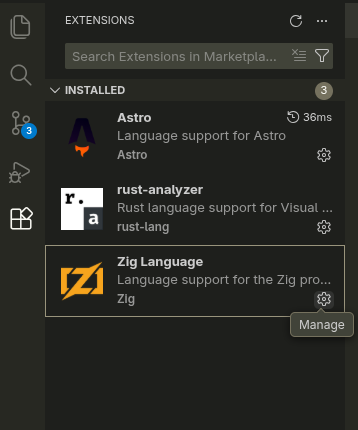
zvm i <version> --zlsTo use ZLS with VSCode, first, install the Zig Language extension. It will offer to install Zig and ZLS for you. Don't do this. You will not be able to automatically switch between Zig versions, use community forks, or be able to work on projects based on older versions of Zig.
Then, access the extensions settings.
You will need to update two settings: Zig path and ZLS path.

~/.zvm/bin/zig

~/.zvm/bin/zls
ZVM automatically handles updating your Zig and ZLS versions. You only need to configure these settings once.